Photograph the page. Get the flashcards.
Photo or PDF in, revision cards out — written for your student's age.
Free plan · no card needed · works on iPad and phone
Confidence, not just right or wrong. One honest tap after every card decides when you'll see it again.
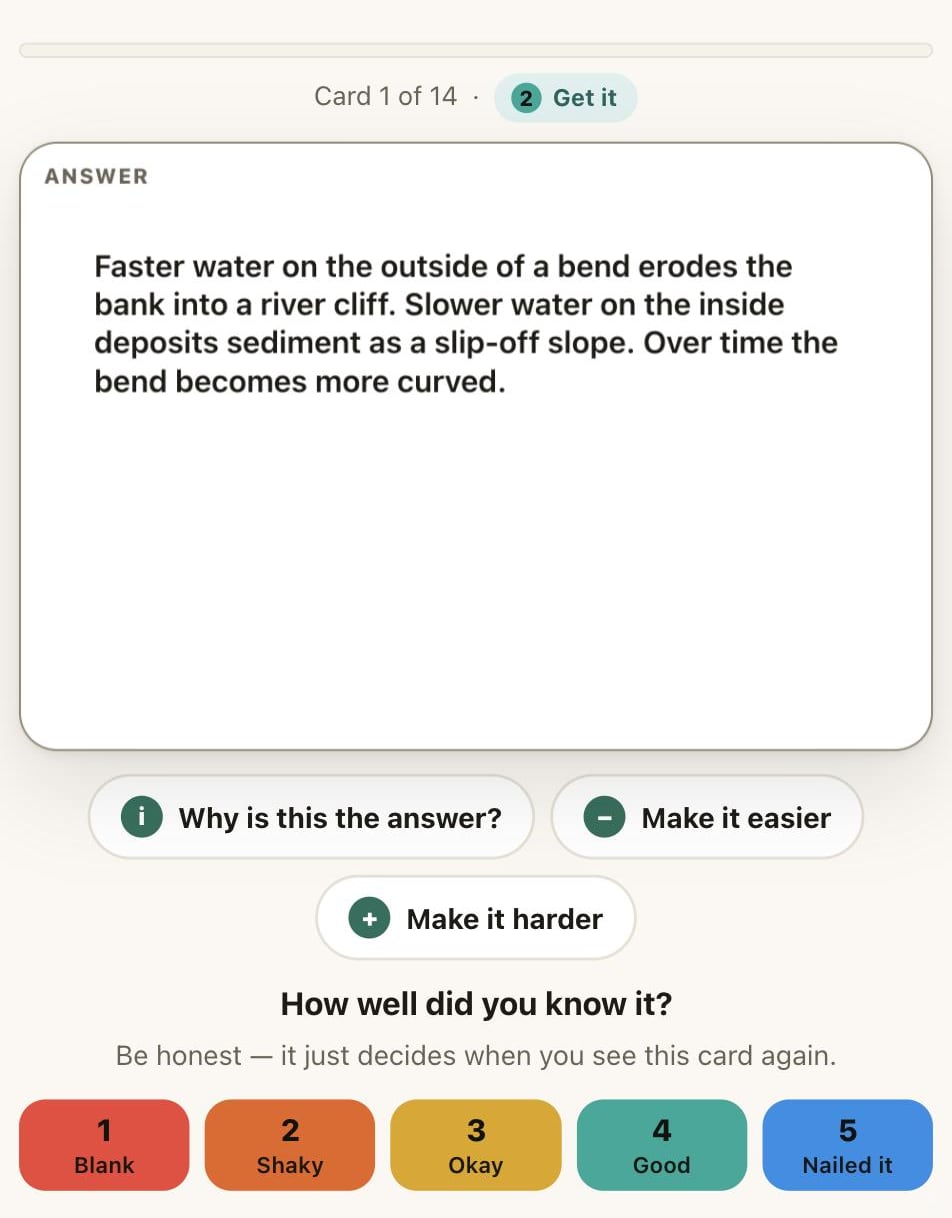
AI explains any answer, on tap
Your rating sets the next review
Five levels, not right-or-wrong
Built on the two things proven to make revision stick
Spaced practice — spreading study out, not cramming.
Retrieval practice — testing yourself, not re-reading.
Effect sizes from Donoghue & Hattie (2021, Frontiers in Education), a meta-analysis of ten study techniques. Every card does both.
See it in action
Real screens from the real app.
Turn a photo into cards
Snap a page, add a PDF or paste notes — then check every card first.

Folders that match the syllabus
A tidy deck for every subject, built from your notes in one tap.

Progress you can actually see
What's been reviewed, what's due, and the week ahead.

Turn any deck into a mind map
One tap shows how every card connects.

It reads the page so your student doesn't have to retype it
📷 A photo of the page
Drafts question-and-answer cards from what's there.
📐 Diagrams stay diagrams
Graphs and labelled diagrams go straight onto the card.
🎚️ Written for their age
Plainer for a Year 9, exam-ready for a Year 11.
✍️ Marks written answers
A mark plus one honest line of feedback.
📄 Straight from a PDF
Up to 40 pages become a deck in one go.
🧒 Nothing lands unchecked
Edit, untick or bin any drafted card first.
Five levels, not one flat "know it or don't"
From simple recall to judging an argument — the depth exam marks reward.
One account, up to four students
Up to four students, each with private decks and progress.
Six calming themes
Light and dark, all checked for readable contrast.
Fonts, honestly labelled
Including Lexend, Atkinson Hyperlegible and OpenDyslexic.
Export anytime
Every deck exports to a file. Never locked in.